



How the AV1 App works
The student downloads the free AV1 app onto their device; it is compatible with both iPhones and iPads running on iOS/iPadOS 16.6 or newer, as well as mid- and high-range Android tablets.
Students must then follow the onboarding process to register with their assigned robot for the first time. They generate a secret code during onboarding to connect with their robot whenever they want to start a livestream through it and join a lesson or activity; the robot just needs to be switched on.
From the app, they control their robot:
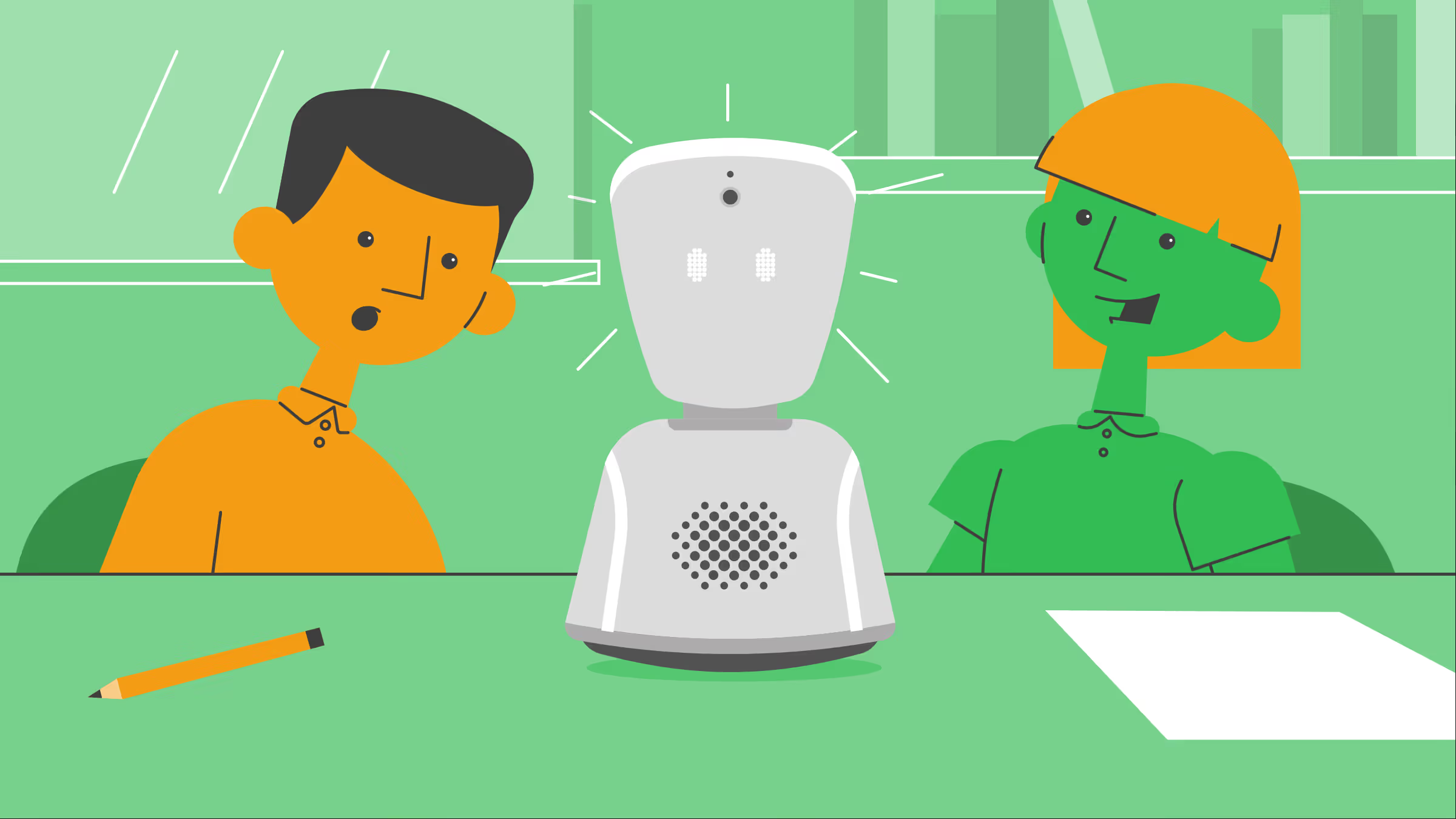
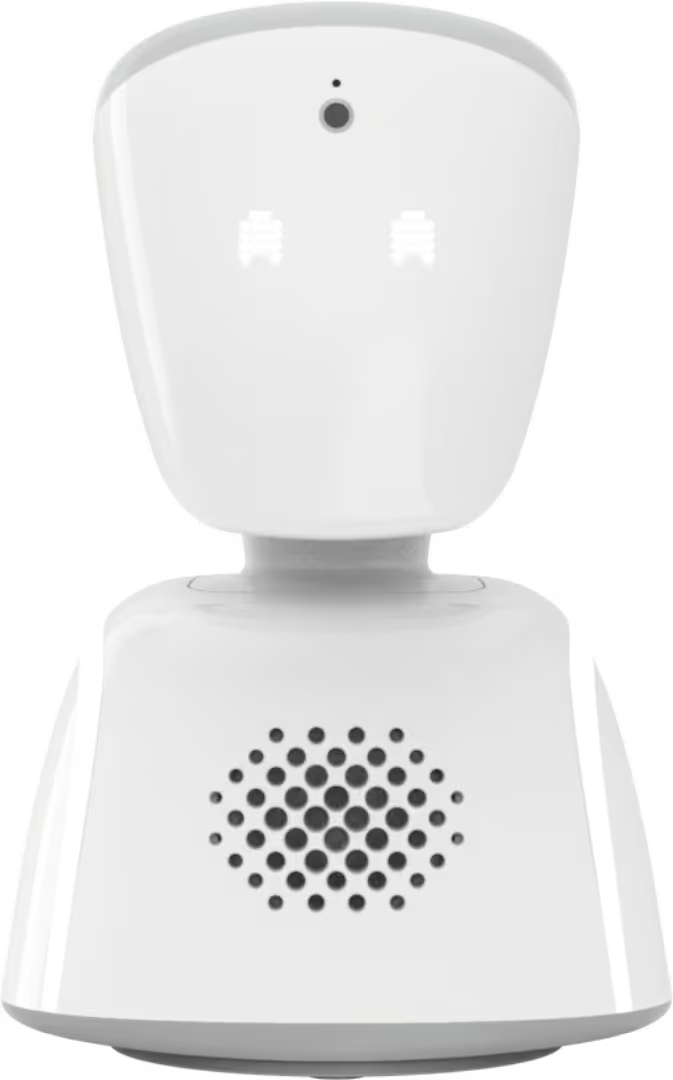
- A camera, microphone and speaker on the robots head emits a livestream to the app, with two-way audio.
- The student swipes or taps on the app screen to rotate the robot and their view from side to side, up and down.
- Tapping passive mode turns the robots head blue.
- Tapping 'raise hand' makes the robots head flash green.
- Tapping each emoji is reflected on the robots eyes.
