Getting Started

AV1 is a transformational solution for attendance and reintegration. School absence puts unsustainable pressure on the education system, our technology helps education providers meet their statutory duties in a cost- and resource-effective way, while ensuring inclusion, learning and belonging for every child.

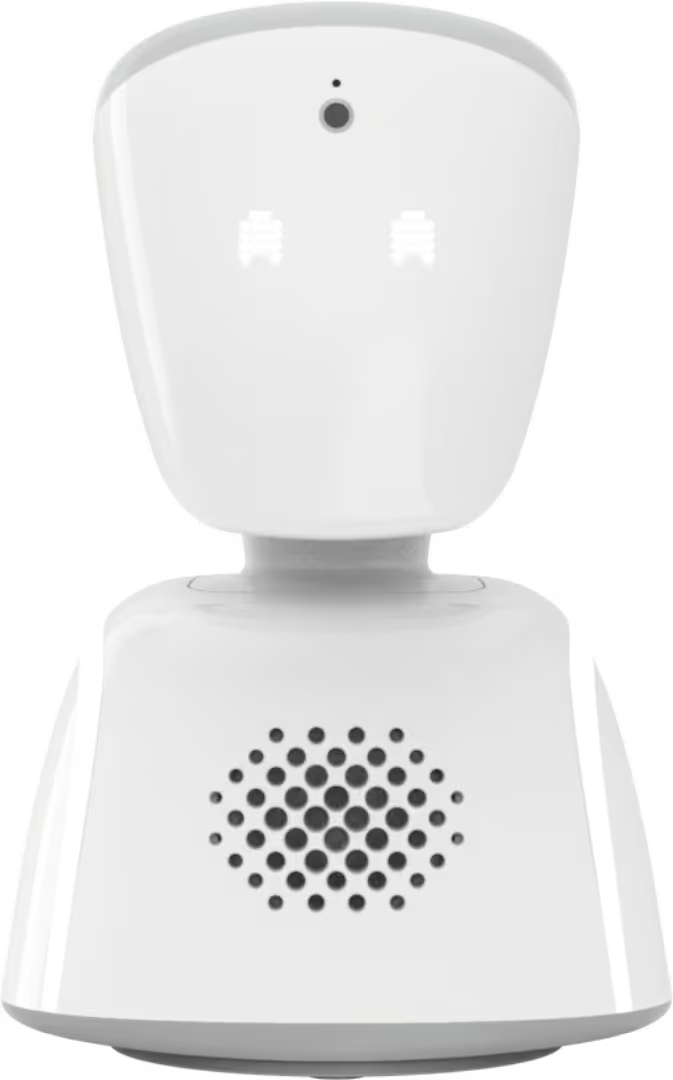
AV1 robot

Live connection

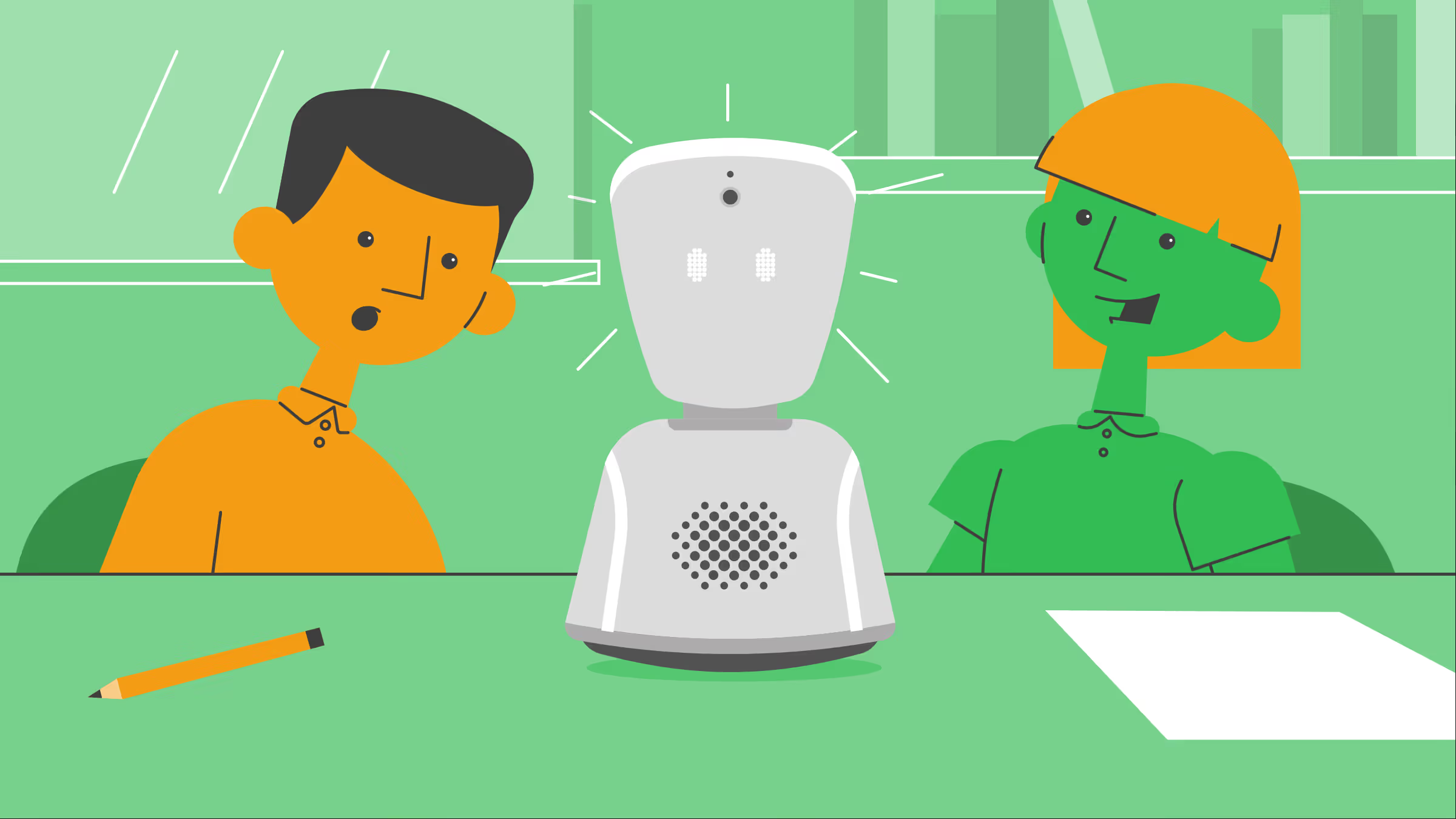
A camera and microphone connect absent pupils who can speak, see and hear everything through the robot. The camera is one-way, which removes the pressure of being seen for children who are ill, anxious or in pain.

Belonging

The robot is an avatar for the human it represents, so you can name it and customise it. You can carry it around with its handle or backpack to involve the student in all aspects of school life, or even on school trips. The physical presence means the student is not forgotten, even on days when they are too unwell to log on.

Participation

The student can rotate and move the robot, change the eye expressions, and 'raise their hand' by making the robot's head flash green. This means they can ask and answer questions, or show how they are feeling, without disrupting the lesson.

Fatigue-friendly

When a student is particularly unwell and unable to participate, but still wants to attend and listen to the lesson, they can turn the head light blue to indicate ‘passive mode’. For EBSA pupils, this can be helpful for early steps towards reintegration.

How the AV1 App works

The student downloads the free AV1 app onto their device; it is compatible with both iPhones and iPads running on iOS/iPadOS 16.6 or newer, as well as mid- and high-range Android tablets.

Students must then follow the onboarding process to register with their assigned robot for the first time. They generate a secret code during onboarding to connect with their robot whenever they want to start a livestream through it and join a lesson or activity; the robot just needs to be switched on.

From the app, they control their robot:
‍

  1. A camera, microphone and speaker on the robots head emits a livestream to the app, with two-way audio.
  2. The student swipes or taps on the app screen to rotate the robot and their view from side to side, up and down.
  3. Tapping passive mode turns the robots head blue.
  4. Tapping 'raise hand' makes the robots head flash green.
  5. Tapping each emoji is reflected on the robots eyes.
AV1 robot and a mobile presenting features of an AV1 robot through AV1 App

How AV1 Admin works

AV1 Admin is a portal which works on any web browser. It is easy to use, and its features are guided by the needs of municipalities and schools. On top of this, you get usage statistics for your AV1 Robots to see the impact you create for your absent students.

There are two access levels in AV1 Admin, Administrators and School Assistants.

As an Administrator, you get a dashboard and detailed information about all the AV1 Robots owned by your organisation, as well as all the same access as School Assistants.

As a School Assistant, your access level ensures you can get the robot set up, tested and running smoothly at school.